
Well, let’s start with something honest.
Most business software doesn’t fail because it’s bad. It fails because it promises simplicity and delivers complexity. You sign up hoping for clarity and end up juggling dashboards, notifications, half-built automations, and a dozen unanswered questions.
So where does Keap fit into this crowded world of CRMs and marketing platforms?

I’ve worked with a lot of tools that claim to “streamline your business.” Some are sleek but shallow. Others are powerful but feel like you need a certification just to log in. Keap sits in an interesting middle ground—robust enough to run serious systems, yet still aimed at everyday business owners.
This is not a glossy marketing breakdown. This is a real, human review of what Keap actually does, how it feels to use, what it costs, and whether it’s truly worth building your business on.
What Is Keap, Really?
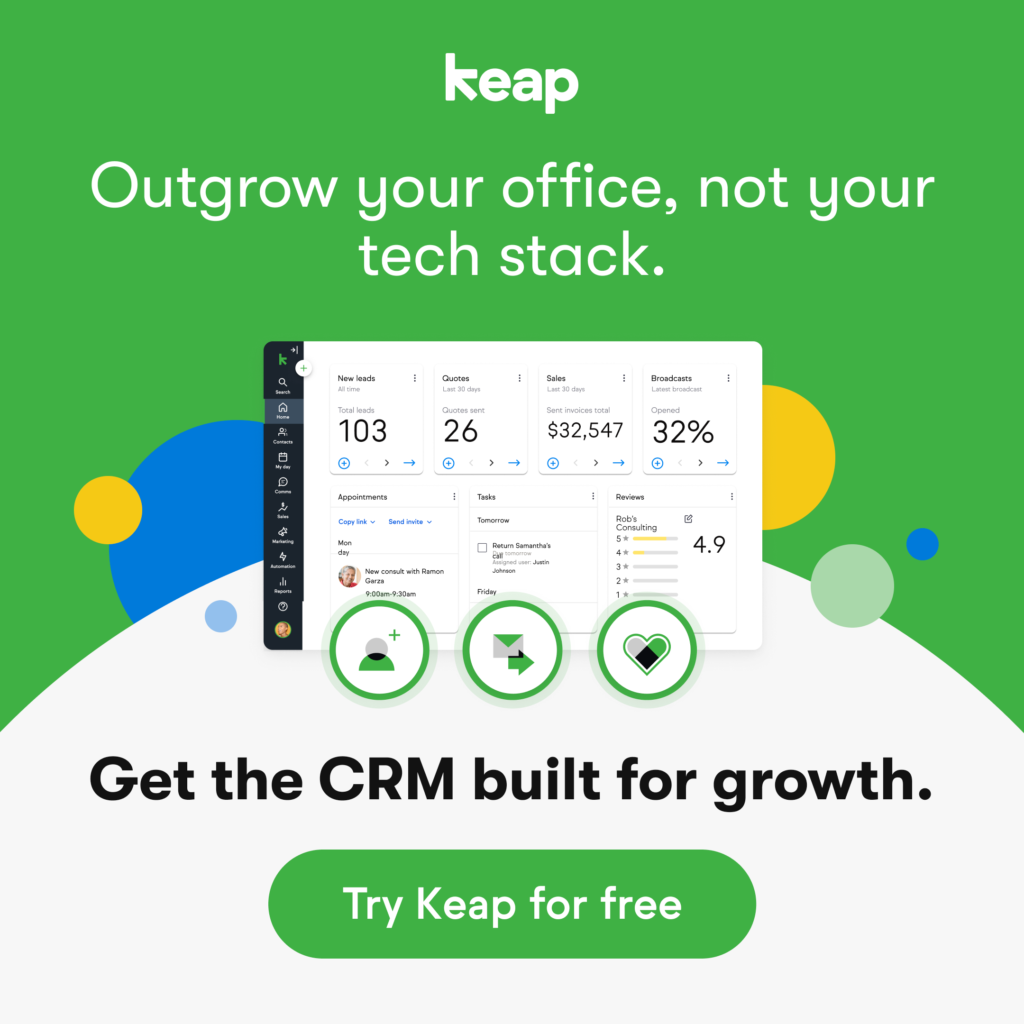
Keap is an all-in-one CRM and marketing automation platform designed for small and growing businesses that are tired of duct-taping multiple tools together.
Instead of using one app for email marketing, another for contact management, another for payments, and yet another for scheduling, Keap puts everything into a single system.
But here’s the part most descriptions miss: it’s not just software. It’s a way of organizing how your business thinks.
It remembers who your customers are. It tracks what they care about. It follows up when you forget. And if you design it well, it can move leads from “just browsing” to “ready to buy” without you manually pushing every step.
In short, Keap acts like a digital operations manager. One that never sleeps, never forgets, and doesn’t get overwhelmed when your business starts to grow.
Why Businesses Turn to Keap
At first, running a business feels manageable. You remember names. You manually reply to leads. You send invoices when someone asks. Everything is personal, direct, and human.
Then growth sneaks in.
Suddenly you’re juggling more conversations than your brain can comfortably hold. You forget who asked for what. You promise to follow up “tomorrow” and realize a week later that tomorrow never came. Customers slip through cracks not because you don’t care, but because your systems can’t keep up.
That’s where Keap enters the picture.
Its entire philosophy is simple: don’t rely on memory when you can rely on systems. Instead of asking yourself, “Did I remember to follow up?” you start asking, “What should happen automatically when someone becomes a lead?”
It’s a subtle shift. But it changes everything.
Core Features of Keap (Without Overloading You)
Let’s talk about what Keap actually does in everyday use—not just in feature lists.
Contact Management That Feels Alive
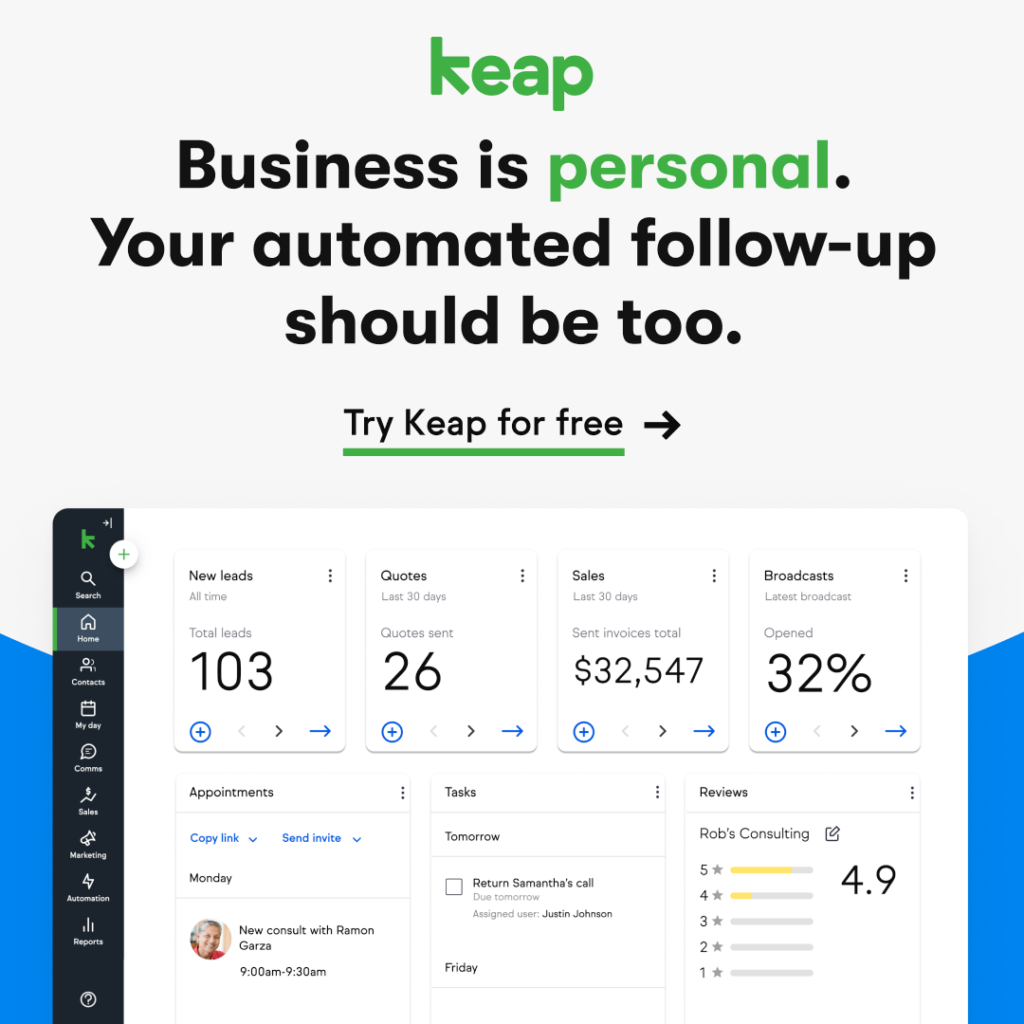
In Keap, contacts aren’t static records. Each person becomes a timeline. You can see when they signed up, which emails they opened, what they clicked, what they purchased, and how much they’ve spent.
You can tag people based on their actions. For example, someone downloads a free guide and automatically gets labeled as “Interested in Coaching.” Later, if they click a sales email, that label changes. Over time, you’re not guessing who’s interested—you know.
It’s like giving every contact a digital memory.
If you’ve ever stared at a name in your inbox thinking, “I know we talked before, but about what?”—this feature alone can feel like a lifesaver.
Sales Pipelines Without the Chaos
Keap lets you build visual sales pipelines where each lead moves through stages: new inquiry, contacted, proposal sent, closed, and so on.
But the real value isn’t the visuals. It’s what happens behind the scenes.
When a deal moves from one stage to another, actions can trigger automatically. A follow-up email can go out. A task can be assigned to your team. An invoice can be created. Nothing relies on you remembering what comes next.
If your sales process has structure—even a simple one—this can remove an enormous mental load.
Email Marketing and Automation: The Engine of Keap
This is where Keap truly earns its reputation.
You’re not limited to sending emails on fixed schedules. You can design sequences that respond to behavior. If someone downloads something, they enter one sequence. If they click a sales link, they enter another. If they buy, they exit all promotional messaging and move into a customer journey instead.
Think of it like a set of invisible decision trees running in the background. Your business reacts to what people do, not just when a calendar date arrives.
It feels less like “email marketing” and more like having a system that thinks.
Lead Capture and Forms That Actually Connect
Forms in Keap aren’t just data collectors. They’re triggers. When someone fills one out, they’re added to your CRM, tagged appropriately, and placed into whatever follow-up sequence you’ve designed.
No exporting spreadsheets. No copying and pasting between tools. The moment someone raises their hand, your system responds.
It’s efficient in a way that’s hard to appreciate until you’ve experienced the alternative.
Scheduling, Invoicing, and Payments in One Place
This is one of the most underrated aspects of Keap.
You can schedule appointments, send invoices, accept payments, and even manage recurring subscriptions inside the same system that handles your marketing. When someone pays, your automations can kick in immediately—onboarding emails, access links, internal notifications, all without manual work.
For service-based businesses especially, this feels like replacing several tools with one coherent workflow.
What It’s Like to Actually Use Keap
Here’s the truth most reviews dance around: Keap is not something you master in an afternoon.
The first time you log in, there’s a lot going on. Menus, settings, campaigns, tags, pipelines. It can feel overwhelming, especially if you’re used to simpler tools.
But once your system is set up, something interesting happens. You stop worrying about small things.
You stop wondering if a lead got a response.
You stop double-checking whether someone received their invoice.
You stop relying on memory for follow-ups.
The software takes over the repetitive, error-prone parts of your business. You still make the decisions, but the system executes them consistently.
It’s less like buying a new app and more like installing infrastructure.
A Real-World Example
Let’s say you run a small coaching business.
Without Keap, a potential client fills out your contact form. You see the email later. You reply when you can. Sometimes they respond. Sometimes they don’t. A few fall through the cracks simply because life got busy.
With Keap, that same form triggers an immediate response. The lead gets a thank-you message, a booking link, and follow-up reminders if they don’t schedule. If they do schedule, they’re automatically moved into a pre-session sequence that prepares them for the call.
No chaos. No guesswork. No mental juggling.
That’s the difference between running a business manually and running one with systems.
Pricing: What Does Keap Cost?
Now, let’s talk about the part everyone cares about.
Keap is not cheap. It’s priced for businesses that are already generating revenue or are serious about scaling. Costs depend on how many contacts you have and which features you need, and the price typically increases as your list grows.
This is where many people hesitate. But it’s also where perspective matters.
You’re not just paying for email marketing. You’re paying for CRM, automation, scheduling, invoicing, payments, and integration—all in one ecosystem. For many businesses, Keap replaces three or four separate tools.
If even one additional client per month converts because your follow-up system worked properly, the platform often pays for itself.
Pros and Cons of Keap
Let’s be balanced.
Keap shines because it centralizes everything. Instead of stitching tools together with third-party connectors, your data, automations, and payments live in one place. That alone reduces errors and saves time.
The automation is another major strength. You can build systems that adapt based on what people do, not just what date it is. That level of responsiveness is rare in platforms aimed at small businesses.
It also scales well. You don’t outgrow it the moment your operations become more sophisticated. You can start simple and layer in complexity as your business matures.
That said, the learning curve is real. If you expect instant simplicity, you may feel frustrated early on. The interface is functional rather than beautiful, and setting up automations requires thought.
Pricing is another drawback for some. As your contact list grows, so does the cost. If your margins are tight or your business is still in the experimental phase, that can feel uncomfortable.
And finally, it’s simply more than some businesses need. If you only send a monthly newsletter and never automate sales, Keap can feel like using industrial machinery to crack a nut.
Who Keap Is Best For
If your business relies on leads, follow-ups, appointments, proposals, or recurring customers, Keap makes a lot of sense. Coaches, consultants, agencies, service providers, and program-based businesses tend to benefit the most.
If your operation is simple and likely to stay that way, or if you’re just testing an idea with no revenue yet, it may feel like more tool than you need.
This isn’t about business size. It’s about business structure.
A solo consultant with a clear sales process can get more value from Keap than a larger company that operates informally.
Final Verdict: Is Keap Worth It?
So, is Keap worth your time and money?
For the right business, yes—without hesitation.
It’s not a quick fix. It’s not plug-and-play magic. And it’s certainly not the cheapest option on the market.
But if you care about building systems instead of relying on memory, if you want your marketing, sales, and payments to actually talk to each other, and if you’re serious about growing without burning out, Keap can become the backbone of your operation.
Think of it like proper plumbing in a house. You don’t admire it every day, but when it’s built well, everything flows. When it’s missing, you feel the pain immediately.
That’s Keap at its best: quiet, structured, and powerful. Not flashy. Not perfect. But for many businesses, exactly what keeps everything running when growth starts to get real.
Read Our another Review: Synder Review 2026 – Best Accounting Automation Tool (Detailed)

