
A Complete, No-Nonsense Review of SurveySparrow
Is it Really Worth It? Features, Pros, Cons & Pricing Explained
If you’ve ever tried gathering customer or employee feedback, you already know it can feel like shouting into the void. People are busy. Forms go ignored. And traditional surveys? They often look like something from a 2005 school project.
That’s where SurveySparrow claims to step in with its “conversational” approach. Instead of boring, rigid forms, the platform tries to make the experience feel more like a friendly chat. But does it actually work in the real world? Is it worth the money? And what sets it apart from the massive jungle of survey tools out there?
Well, let’s dig in — no fluff, no corporate jargon. Just a genuine, human-style breakdown of what SurveySparrow does well, where it stumbles, and whether it deserves a place in your workflow.
What Exactly Is SurveySparrow?
At its core, SurveySparrow is a survey and experience-management platform built to help teams collect, analyze, and act on feedback. It’s used for everything from customer satisfaction and NPS surveys to employee engagement and market research.
Unlike typical survey tools, SurveySparrow leans heavily into “conversational surveys.” Think of it like texting with your audience instead of handing them a static, cold questionnaire. The idea is simple: if the experience feels more personal, more people will complete it.
And honestly? That personal touch makes a bigger difference than you’d expect.
Why Conversational Surveys Matter (And Why They Actually Work)
Imagine you walk into a store and the cashier hands you a clipboard filled with 20 checkboxes and a 1–10 rating chart. Most of us would smile awkwardly and think, “Uh… maybe next time.”
Now imagine the cashier casually asks,
“How was the service today? Anything we could improve?”
You’d probably answer, right?
That’s the psychology behind SurveySparrow.
People love conversations, not forms.
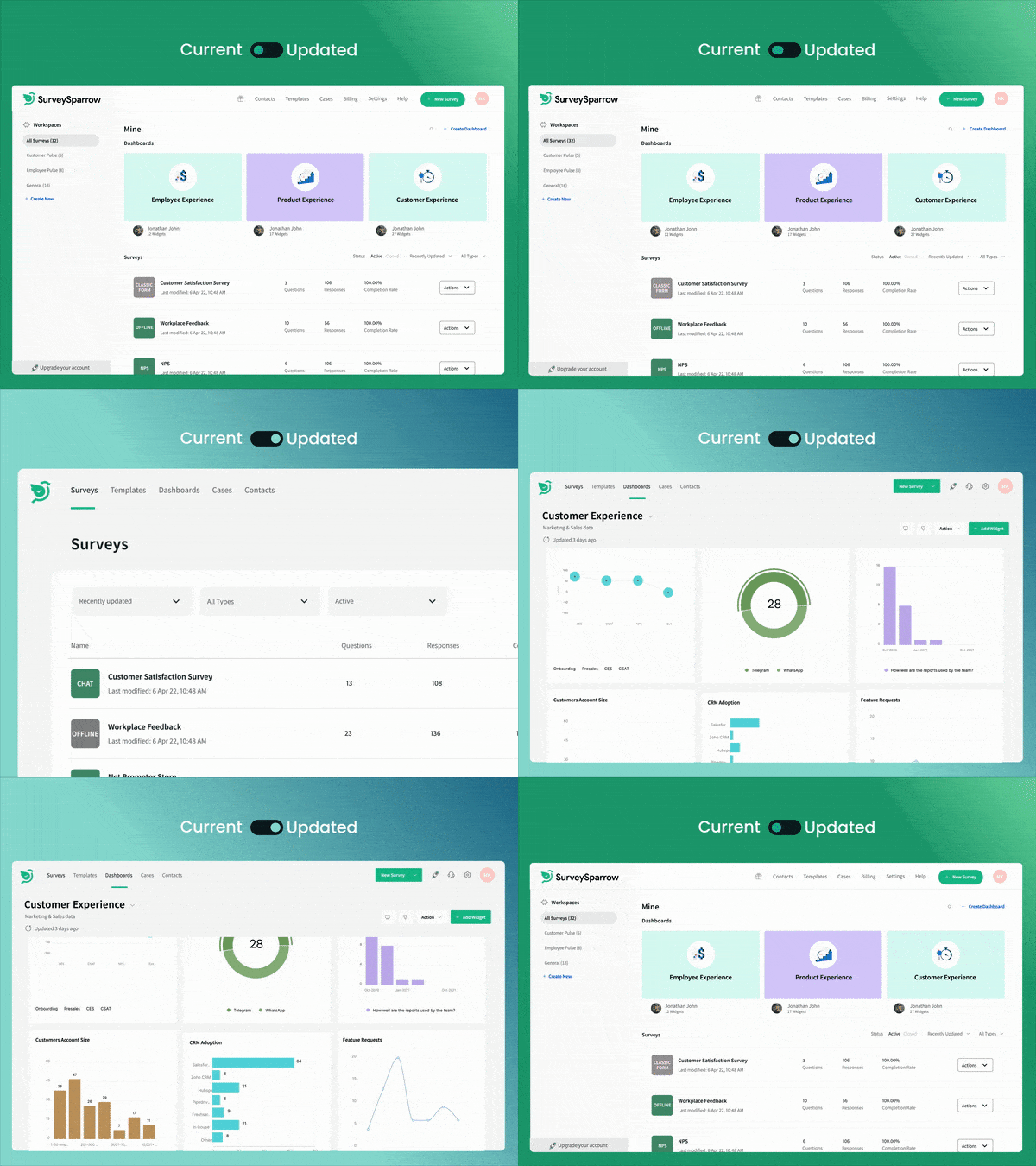
The platform structures questions so they appear one-by-one, like a chat. There’s movement, flow, and a bit of personality. It’s subtle, but it changes the feedback experience dramatically.
Key Features of SurveySparrow
(A deep dive from a human perspective)
1. Conversational Surveys
This is the flagship feature — surveys that look and feel like a conversation.
These surveys are visually clean, mobile-friendly, and surprisingly inviting.
Great for:
- Customer satisfaction
- Website feedback
- Quick pulse checks
- Post-purchase surveys
Real-life example: A boutique clothing store used conversational surveys on tablets in-store, and completion rates reportedly doubled because customers thought it was “fun” instead of “annoying.”
2. Classic Surveys (But Better Looking Than Usual)
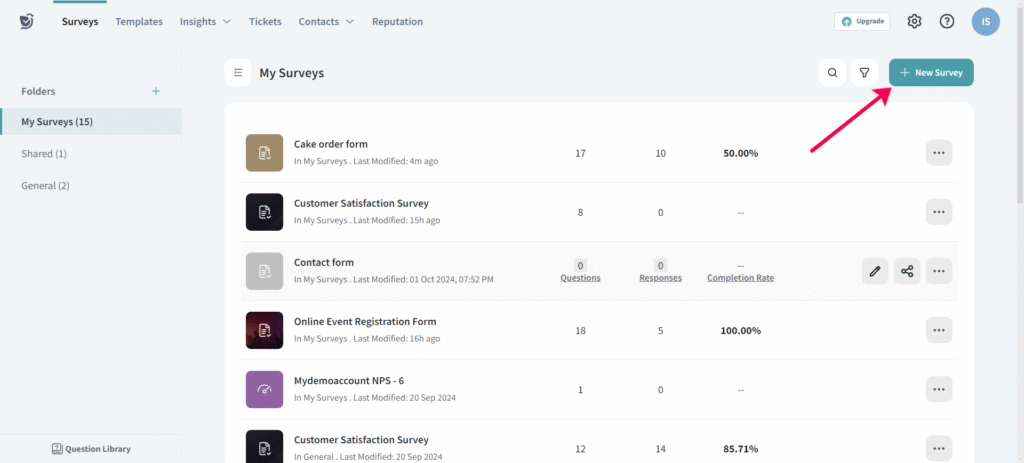
If you still prefer the traditional style, SurveySparrow has you covered. You get all the usual formats — multiple choice, ratings, matrix grids, rankings, open-ended answers, the whole buffet.
But the UI is cleaner and more modern than most alternatives, which helps avoid that “government form” feeling.
3. NPS (Net Promoter Score) Tracking
Let’s be honest — NPS is one of the most overused acronyms, but businesses still rely on it heavily.
SurveySparrow makes NPS super simple:
- Automated recurring NPS surveys
- Dashboards showing promoters, detractors, passives
- Trend analysis over time
This is perfect for SaaS companies or service providers who track customer loyalty regularly.
4. Offline Surveys
If you’ve ever worked at events, trade shows, or remote field locations, you know Wi-Fi can vanish at the worst moments. Offline mode lets you collect responses even without an internet connection.
You sync them later when you’re back online.
This is incredibly useful for:
- Retail kiosks
- On-ground research teams
- Clinics or hospitals
- HR teams collecting employee feedback offline
5. Automation & Workflow Integrations
This is where SurveySparrow shines. You can automate basically everything:
- Auto-send surveys after a purchase
- Trigger follow-ups based on responses
- Send alerts to teams when scores drop below a threshold
- Sync data with your CRM
Integrations include:
- Slack
- HubSpot
- Mailchimp
- MS Teams
- Zapier
- Freshdesk
- Intercom
Picture this: A customer gives a poor rating. Boom — your support team gets notified instantly on Slack. Immediate action, no spreadsheets or manual checking required.
6. Beautiful Dashboards & Analytics
Data matters, but only if it’s understandable. SurveySparrow does a solid job here.
You get:
- Real-time charts
- Response filters
- Trend graphs
- Word clouds
- Sentiment snapshots
It’s not as deep as enterprise-level analytics (think Qualtrics), but for most teams, it’s more than enough — and refreshingly easy to use.
7. Multi-Channel Distribution
Here’s where this tool gets surprisingly flexible. You can distribute surveys via:
- SMS
- QR codes
- Web links
- Social media
- Embedded widgets
- Mobile apps
- WhatsApp (big win for global businesses)
That means your customers or employees can respond however they prefer — no “please check your inbox for feedback” nonsense.
8. Chatbots & Website Widgets
This is a newer feature and honestly, a clever one.
You can embed a chatbot on your site to ask questions, collect leads, or gather feedback in real time.
It feels personal, not intrusive — and it keeps visitors engaged instead of scrolling past your feedback requests.
Pros of Using SurveySparrow
(Straight-forward and realistic)
✅ 1. Extremely user-friendly
Even someone who’s never created a survey in their life could figure this out in under 10 minutes.
✅ 2. Surveys look beautiful
Clean, modern, distraction-free — this alone boosts completion rates.
✅ 3. Mobile-first approach
Everything is optimized for smartphones. Considering most feedback is mobile today, this matters a lot.
✅ 4. Conversational approach actually works
It feels fresh and engaging. Respondents don’t get bored halfway through.
✅ 5. Strong automation features
Set up once → let it run on autopilot.
✅ 6. Excellent for customer and employee experience
It’s flexible enough to work for sales, HR, support, marketing — you name it.
✅ 7. Offline mode is a lifesaver
Perfect for field research or events.
✅ 8. Customer support is helpful
Not every tool can boast this, but SurveySparrow has responsive support teams.
Cons of SurveySparrow
(Because no tool is perfect)
❌ 1. Pricing can climb with advanced features
Smaller teams may find higher tiers a bit steep.
❌ 2. Analytics aren’t as deep as enterprise platforms
If you need super advanced statistical modeling, this isn’t the tool.
❌ 3. Some integrations require higher plans
Understandable, but still worth mentioning.
❌ 4. Learning curve for automation workflows
Not huge, but non-technical users might need a little time.
❌ 5. Limited survey logic on cheaper plans
Branching logic is available, but more advanced flows require upgraded plans.
Pricing Breakdown of SurveySparrow
(Approximate—it may vary based on region and promotions)
SurveySparrow offers different pricing tiers based on usage and business size.
### ⭐ Basic Plans (For small teams)
- Affordable entry-level pricing
- Limited features
- Good for simple surveys and small projects
⭐ Professional Plans (For growing businesses)
Includes:
- NPS surveys
- Display logic
- Automations
- Custom themes
These plans hit the “sweet spot” for most mid-sized companies.
⭐ Enterprise Plans (For large organizations)
Includes:
- Advanced integrations
- Role-based access
- Custom workflows
- SSO & compliance features
- Dedicated account manager
⭐ Add-ons
Depending on your needs, you may pay extra for:
- More responses
- Additional users
- Advanced dashboards
- Priority support
For many businesses, the value largely depends on how deeply they plan to integrate feedback into their workflows. If you use the automation and multi-channel features heavily, it’s worth every cent.
Who Should Use SurveySparrow?
This tool is ideal for businesses that want beautiful, engaging surveys without drowning in technical setup.
Great Fit For:
- SaaS companies
- Startups
- HR departments
- Customer experience teams
- Marketing agencies
- Retail businesses
- Healthcare providers
- Event organizers
Not a Fit For:
- Organizations needing deep academic-level analytics
- Businesses with extremely tight budgets
- Teams that prefer old-school, static surveys
How It Feels to Use SurveySparrow Day-to-Day
Actually, here’s the simplest way to describe it:
Using SurveySparrow feels like using a modern smartphone after years of using a dusty old desktop computer.
It’s just smoother.
More intuitive.
Less stressful.
You don’t feel like you’re “creating surveys.” You feel like you’re building conversations.
And that shift?
It matters.
It changes how you create surveys — and how your audience responds to them.
Final Verdict: Is SurveySparrow Worth It?
If you want feedback that people will actually give, and you prefer a tool that looks great, works smoothly, and cuts out complexity, SurveySparrow is absolutely worth considering.
It’s modern.
It’s flexible.
It’s easy to use.
Sure, there are minor limitations — especially around pricing and advanced analytics — but overall, it’s one of the most user-friendly survey tools out there.
If you rely heavily on customer and employee insights, the platform pays for itself quickly.
Read Our another Review: QuickBooks Review 2026: King of Small Business Accounting?

